

What is the recommended storage temperature for a drum unit for Kyocera?
Nov 26, 2025
Hey there! As a supplier of drum units for Kyocera, I often get asked about the recommended storage temperature for these crucial printer components. It's a super important topic because the right storage conditions can significantly impact the performance and lifespan of a drum unit. So, let's dive right in and explore what temperature range is best for keeping your Kyocera drum units in top - notch condition.
First off, let's understand what a drum unit is and why it's so vital. A drum unit is an essential part of a laser printer. It's responsible for transferring toner onto the paper to create the printed image. In a Kyocera printer, the drum unit works in harmony with other components to ensure high - quality prints. If the drum unit is damaged or degraded, it can lead to issues like poor print quality, streaks, or even complete printer malfunctions.
Now, back to the main question: what's the recommended storage temperature? Generally speaking, Kyocera suggests storing drum units in an environment where the temperature ranges from 10°C to 32°C (50°F to 90°F). This temperature range is considered optimal because it helps maintain the integrity of the drum's surface and the toner inside.
When the temperature is too low, say below 10°C, the toner can become more viscous. This means it doesn't flow as easily, which can lead to uneven toner distribution on the drum and, ultimately, poor print quality. The drum itself can also become more brittle in cold temperatures, increasing the risk of cracking or other physical damage.
On the other hand, if the temperature is too high, above 32°C, the toner can start to melt or clump together. This not only affects the print quality but can also cause damage to the drum unit. High temperatures can also cause the drum's surface to expand, which might lead to misalignment and inaccurate printing.
Let's take a closer look at some specific Kyocera drum units and how proper storage temperature can benefit them. For example, the DK - 6305 Drum Unit for Kyocera TASKalfa 3500i/4500i/5500i. These printers are known for their high - volume printing capabilities. If you store the DK - 6305 drum unit within the recommended temperature range, you can ensure that it will continue to deliver sharp, clear prints over a long period.
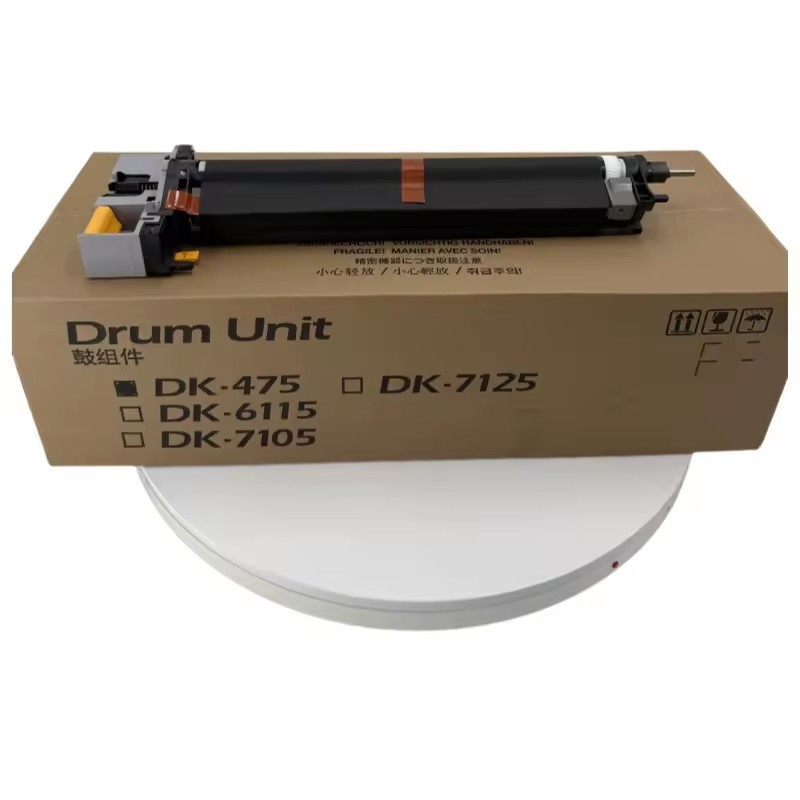
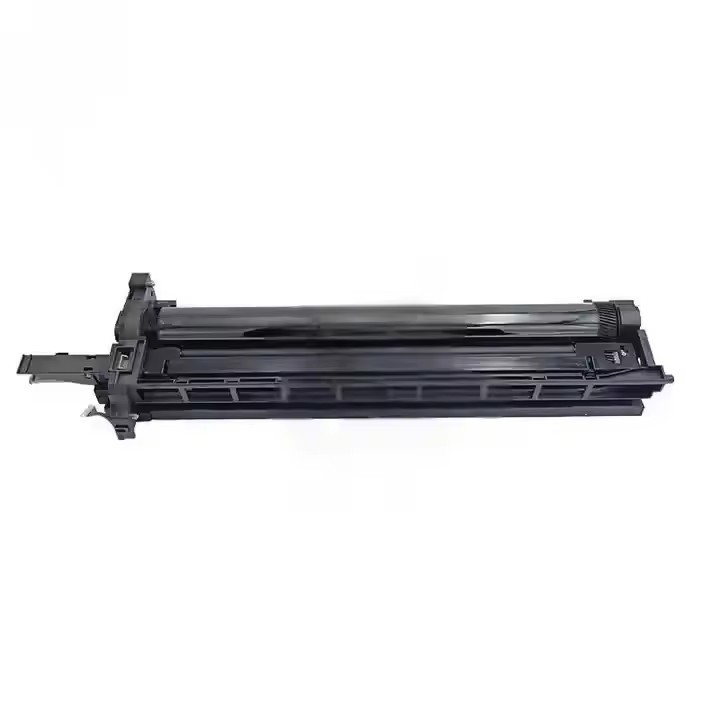
Another popular model is the DK - 6706 Drum Unit for Kyocera TASKalfa 6500i/6501i/8000i/8001i. These high - end printers are often used in busy office environments. By storing the drum unit at the right temperature, you can avoid costly downtime due to print quality issues.
The DK - 475 Drum Unit for Kyocera FS - 6025MFP/6025MFP/6030MFP/6525MFP/6530MFP/TASKalfa 255/255b/305 is also a widely used drum unit. It's found in a variety of Kyocera multifunction printers. Keeping it in the proper temperature range helps maintain its performance, whether you're printing text documents, photos, or graphics.
It's not just about the temperature; humidity also plays a role. Kyocera recommends keeping the relative humidity between 20% and 80%. High humidity can cause the toner to absorb moisture, which can lead to clumping and poor print quality. Low humidity, on the other hand, can cause static electricity to build up, which might attract dust and debris to the drum unit.
When you're storing your Kyocera drum units, it's a good idea to keep them in their original packaging. The packaging is designed to protect the drum unit from light, dust, and minor physical impacts. If you don't have the original packaging, you can use a clean, dry container to store the drum unit.
If you're planning to store a drum unit for an extended period, make sure to check on it periodically. Look for any signs of damage, such as cracks or discoloration on the drum surface. You can also gently rotate the drum (if possible) to prevent it from developing flat spots.
Now, let's talk about what to do if you've accidentally stored a drum unit in the wrong temperature. If the drum unit has been exposed to extreme cold, let it warm up gradually to room temperature before using it. Don't try to speed up the process by using a heater or other heating devices, as this can cause uneven heating and damage the drum.
If the drum unit has been in a very hot environment, let it cool down slowly. Avoid using it immediately after it's been in high - temperature conditions, as the internal components might still be too hot and could be damaged during operation.
In conclusion, maintaining the right storage temperature for your Kyocera drum units is crucial for their performance and longevity. By following Kyocera's recommended temperature range of 10°C to 32°C (50°F to 90°F) and keeping the relative humidity between 20% and 80%, you can ensure that your drum units will continue to provide high - quality prints.
If you're in the market for high - quality Kyocera drum units, I'm here to help. Whether you need the DK - 6305, DK - 6706, or DK - 475 drum units, I can offer you reliable products at competitive prices. Feel free to reach out to me to discuss your requirements and start a procurement negotiation. I'm always happy to assist you in finding the best solutions for your printing needs.
References:
- Kyocera Printer User Manuals
- Industry research on laser printer drum unit storage conditions